In today’s intricate digital ecosystem, where data breaches and cyberattacks loom relentlessly, safeguarding privileged accounts has become mission-critical.
Privileged Access Management (PAM) forms the cornerstone of robust cybersecurity strategies, expertly controlling and auditing elevated access to vital systems and sensitive data.
PAM enforces least privilege principles granting only necessary permissions at precise moments dramatically shrinking attack surfaces across organizations.
A battle-tested PAM solution delivers indispensable security posture reinforcement.
2026’s accelerating threat evolution fuels PAM innovation, with organizations demanding tools that transcend password vaults to deliver just-in-time (JIT) access, automated credential rotation, and granular session monitoring.
The platforms featured below represent market leaders and rising innovators, uniquely equipped to secure your crown-jewel assets across SMBs to enterprise-scale, cloud-native deployments.
How We Chose These Best Privileged Access Management (PAM) Tools
Our selection of the top Privileged Access Management (PAM) tools for 2026 is based on a rigorous evaluation process that aligns with key industry standards and real-world security needs.
We analyzed each solution based on its core functionality, innovation, ease of use, and overall value.
The primary criteria for our assessment included: comprehensive credential vaulting and rotation capabilities; robust session monitoring and auditing for compliance; flexible access control, including just-in-time and zero-trust models; and seamless integration with existing IT infrastructure.
We also considered user reviews and market recognition to ensure our list reflects not just technical capabilities but also practical usability and customer satisfaction.
Comparison Table: Top 10 Best Privileged Access Management (PAM) Tools in 2026
| Feature | Credential Vaulting | Session Monitoring | Just-in-Time Access | Endpoint Privilege Management | Cloud-Native Support | Agentless Access |
| One Identity Safeguard | ✅ Yes | ✅ Yes | ✅ Yes | ✅ Yes | ✅ Yes | ✅ Yes |
| Okta ASA | ✅ Yes | ✅ Yes | ✅ Yes | ✅ Yes | ✅ Yes | ❌ No |
| Keeper Security | ✅ Yes | ❌ No | ✅ Yes | ✅ Yes | ✅ Yes | ❌ No |
| Delinea | ✅ Yes | ✅ Yes | ✅ Yes | ✅ Yes | ✅ Yes | ❌ No |
| Infisign | ✅ Yes | ✅ Yes | ✅ Yes | ❌ No | ✅ Yes | ✅ Yes |
| Zygon | ✅ Yes | ✅ Yes | ✅ Yes | ✅ Yes | ✅ Yes | ✅ Yes |
| miniOrange | ✅ Yes | ✅ Yes | ✅ Yes | ✅ Yes | ✅ Yes | ✅ Yes |
| BeyondTrust PAM | ✅ Yes | ✅ Yes | ✅ Yes | ✅ Yes | ✅ Yes | ✅ Yes |
| ManageEngine PAM360 | ✅ Yes | ✅ Yes | ✅ Yes | ✅ Yes | ✅ Yes | ❌ No |
| Mamori.io | ✅ Yes | ✅ Yes | ✅ Yes | ❌ No | ✅ Yes | ✅ Yes |
1. One Identity Safeguard
Specifications:
One Identity Safeguard is an enterprise-grade Privileged Access Management (PAM) suite that secures, monitors, and audits privileged sessions using a zero-trust model.
It combines secure password vaulting, privileged session management, and real-time threat detection to protect critical systems from insider misuse and credential-based attacks.
Part of the One Identity Fabric, Safeguard integrates seamlessly with identity governance, access management, and Active Directory management, delivering a unified identity security experience across hybrid environments.
Reason to Buy:
Enterprises seeking a powerful, feature-rich PAM platform that balances security, usability, and innovation will find One Identity Safeguard a compelling choice.
Its AI-powered interface, Azure AI–enhanced search, and strong support model make it ideal for organizations looking to modernize privileged access with intelligence and automation while keeping costs below market averages.
Features:
Secure password vault;
Privileged session management with full recording and playback;
Threat detection and user behavior analytics;
Policy-based just-in-time and least privilege controls;
Centralized authentication and access approval workflows;
Machine learning–based risk analysis;
AI-driven search for session recordings (via Azure AI);
Integrated IAM capabilities through the One Identity Fabric.
Pros:
Received top scores for Privileged Session Management and Privilege Elevation and Delegation Management (PEDM) on UNIX/Linux and macOS;
AI-powered innovations, including natural language search for session recordings and an adaptive administrative UI;
Multiple support tiers and training programs, plus active customer feedback channels;
Strong deployment experience and intuitive UI, praised by enterprise users;
Below-average pricing for many scenarios, particularly for SaaS-based PAM Essentials;
Unified integration with broader One Identity IAM stack for governance and access synergy.
Cons:
Separate interfaces remain for PASM, PEDM, RPAM, CIEM, and Secrets Management tools, limiting a fully consolidated UX;
Pricing details available only through direct inquiry.
✅ Best For: Large enterprises needing comprehensive privileged access control, AI-enhanced analytics, and cross-platform coverage in hybrid environments.
SMBs can choose One Identity Cloud PAM Essentials for a lighter, SaaS-based option with intelligent search and simplified management.
Official Website: One Identity Safeguard
2. Okta ASA (Advanced Server Access)
Specifications:
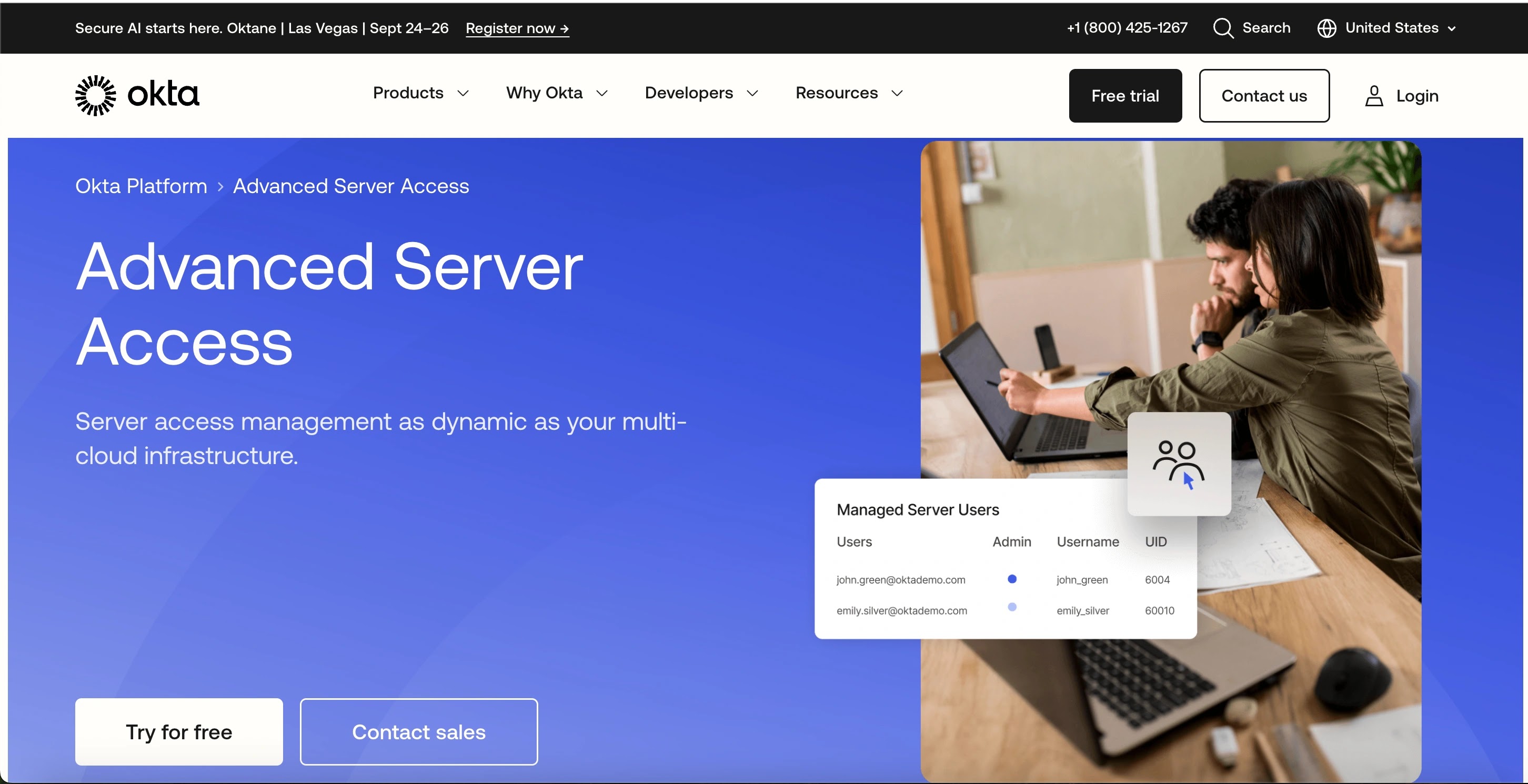
Okta ASA is a cloud-native PAM solution that provides secure, just-in-time access to servers using a zero-trust model.
It is designed to replace static SSH keys and VPNs with ephemeral, user-scoped certificates, ensuring that every access request is authenticated and authorized in real-time.
It’s a natural fit for organizations already using Okta for identity and access management.
Reason to Buy:
Ideal for cloud-centric organizations that want to extend their existing Okta identity security policies to server and infrastructure access.
Features:
Zero-trust server access; Just-in-time access with ephemeral certificates; Seamless integration with Okta SSO and MFA; Unified policy management; Detailed audit logs for every session;
Pros:
Tightly integrated with the Okta ecosystem; Simplifies and secures access to cloud servers; User-friendly for both admins and end-users; Eliminates the need for VPNs and shared keys;
Cons:
Pricing can become very expensive with many servers; Primarily focused on server access, not a full PAM suite; Less feature-rich compared to dedicated PAM vendors; Requires Okta’s core platform;
✅ Best For: Cloud-native and modern organizations already leveraging Okta’s identity and access management solutions.
Official Website: Okta ASA (Advanced Server Access)
3. Keeper Security
Specifications:
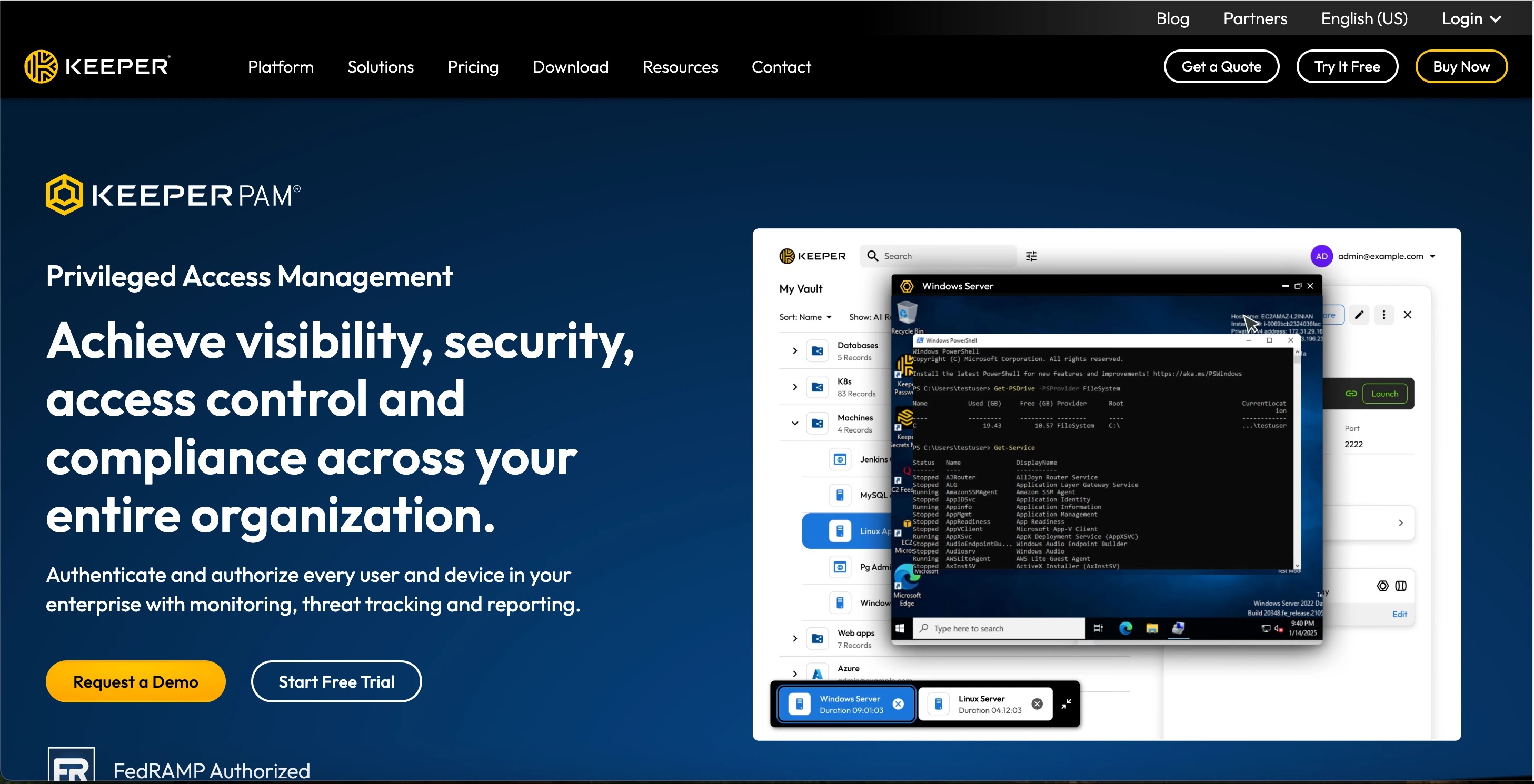
While known for its password management, Keeper Security offers a robust PAM solution designed for organizations of all sizes.
It provides a secure, encrypted vault for privileged credentials, alongside a suite of tools for session management, auditing, and role-based access control.
Its user-friendly interface makes it a strong contender for companies that want a low-friction security tool.
Reason to Buy:
Keeper is a great option for businesses that want a cost-effective, easy-to-deploy, and user-friendly PAM solution that can scale with their growth.
Features:
Secure privileged credential vault; Privileged session management and recording; Role-based access control; Automated password rotation; Secure sharing of credentials;
Pros:
Highly intuitive and easy to use; Quick to deploy and onboard users; Flexible pricing plans; Strong encryption and security protocols;
Cons:
Lacks some advanced features for large enterprises; Primarily focused on credential management; Some features require add-ons; May not be suitable for highly complex environments;
✅ Best For: Small to medium-sized businesses (SMBs) and enterprises seeking an affordable, scalable, and easy-to-use PAM solution.
Official Website: Keeper Security
4. Delinea
Specifications:
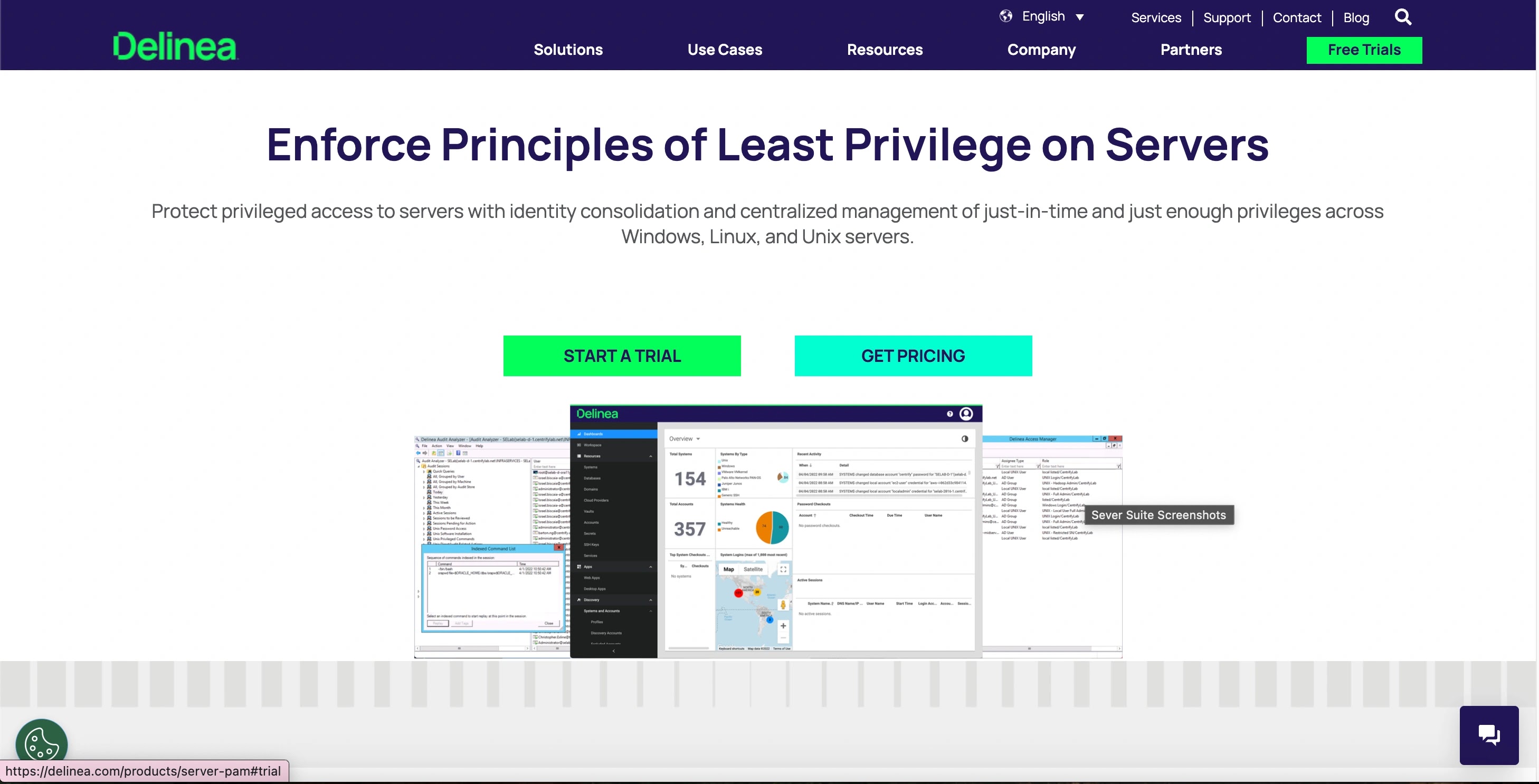
Formed by the merger of Thycotic and Centrify, Delinea offers a unified PAM platform that provides a diverse set of security controls for managing privileged access across on-premises and cloud environments.
Its solution includes a secure vault for secrets, session management, and privileged elevation and delegation management (PEDM), all from a single pane of glass.
Reason to Buy:
Delinea is a well-rounded and comprehensive solution for organizations of all sizes that are looking for a hybrid-friendly PAM solution that combines legacy strengths with modern, cloud-native capabilities.
Features:
Secrets and credential vault; Privileged session management and recording; Least privilege enforcement; Just-in-Time access control; AI-powered threat detection and analytics;
Pros:
Strong set of core PAM capabilities; Flexible deployment options (on-prem, cloud); Highly scalable for growing needs; AI-driven intelligence for threat detection;
Cons:
Some users report complex integrations; UI can be overwhelming for new users; Product naming can be confusing; May have a longer setup time;
✅ Best For: Hybrid enterprises that need a robust PAM solution to manage privileged accounts across both on-premises and multi-cloud environments.
Official Website: Delinea
5. Infisign
Specifications:
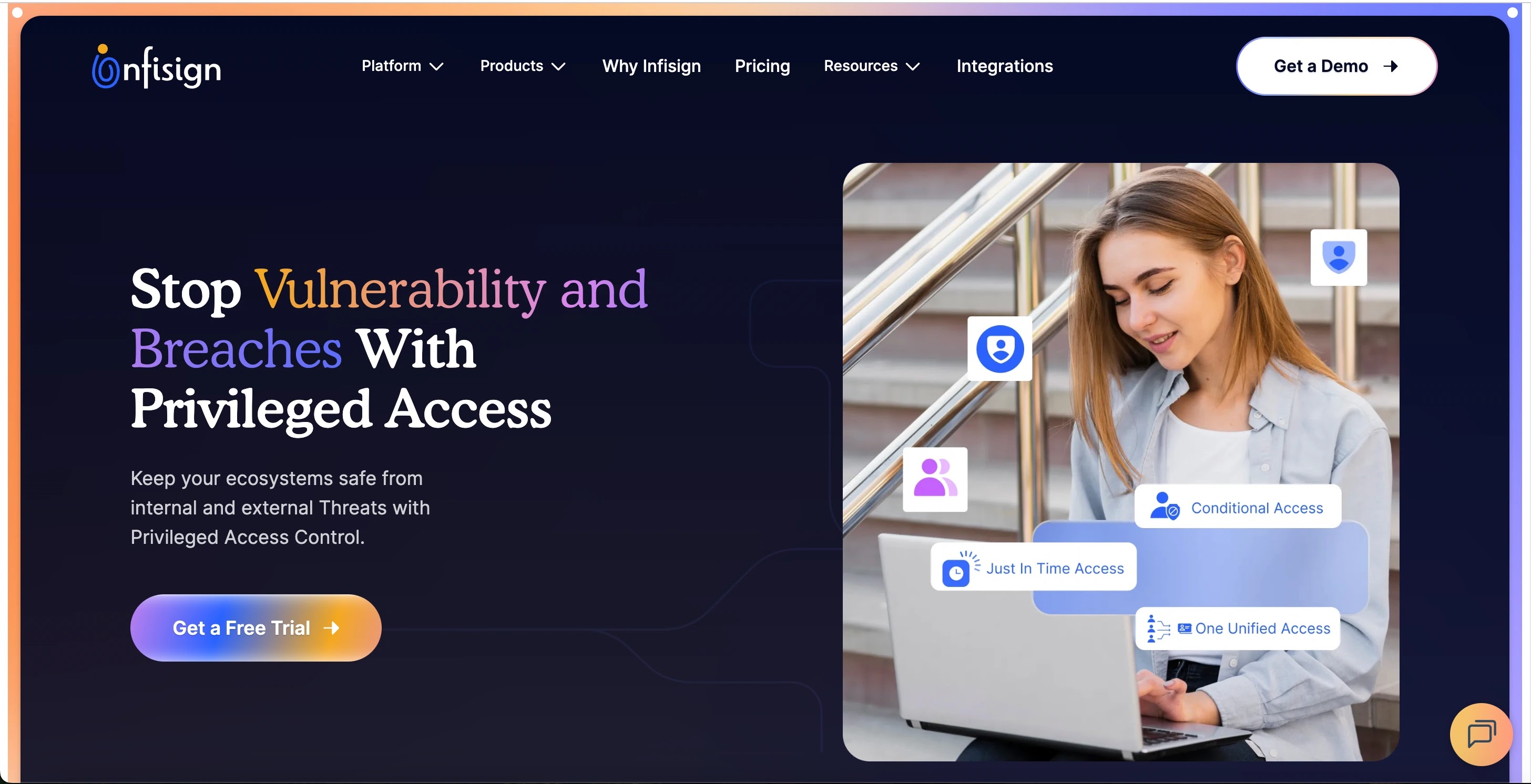
Infisign delivers a comprehensive PAM solution emphasizing passwordless authentication, zero-trust principles, and identity lifecycle management, aiming to eliminate password-related risks completely.
Reason to Buy:
Choose Infisign if your priority is shifting away from passwords entirely and adopting strong, adaptive, passwordless MFA to secure privileged access across all application types.
Features:
- Full Passwordless Authentication (biometrics, OTPs, QR codes) for privileged access.
- AI Access Assist to streamline and automate access granting workflows.
- Just-in-Time and Conditional Access based on real-time risk assessment.
- Privileged Session Recording and audit trails for compliance.
- Unified access for multiple identity directories (IdP).
Pros:
- Strong native implementation of passwordless authentication for high security.
- Focus on removing password risk is a key future-proofing strategy.
- Automated user lifecycle management for provisioning and deprovisioning.
- Adaptive, multi-layer authentication tailored to user behavior.
Cons:
- Relatively newer entrant in the global PAM space compared to market leaders.
- May require custom connectors for niche, highly proprietary legacy systems.
- Less established reputation and depth in physical appliance security.
- AI Access Assist features are still a relatively new component.
Best For: Forward-thinking organizations committed to implementing a passwordless, zero-trust access strategy for both human and non-human privileged identities.
Official Website: Infisign
6. Zygon
Specifications:
Zygon provides a Privileged Access Management solution designed to offer just-in-time access, secure remote connections, and continuous monitoring to help organizations protect against cyber threats.
Its platform focuses on providing full visibility into all privileged accounts and activities, making it easier for security teams to detect and respond to suspicious behavior.
Reason to Buy:
Zygon is an emerging player that offers a straightforward, easy-to-use PAM tool, making it a viable alternative for organizations that want to simplify their security stack.
Features:
Privileged account discovery; Just-in-time and temporary access; Secure remote access gateways; Behavioral analytics for unusual activity; Detailed logging and auditing;
Pros:
Streamlined and easy to use; Focus on core PAM functionalities; Strong visibility into privileged activities; Good for organizations with basic needs;
Cons:
Less-known in the market; May lack advanced features; Limited integrations compared to top vendors; User reviews are scarce;
Best For: Small to medium-sized businesses and organizations that are new to PAM and need a simple, yet effective solution to get started.
Official Website: Zygon
7. miniOrange PAM Solution
Specifications:
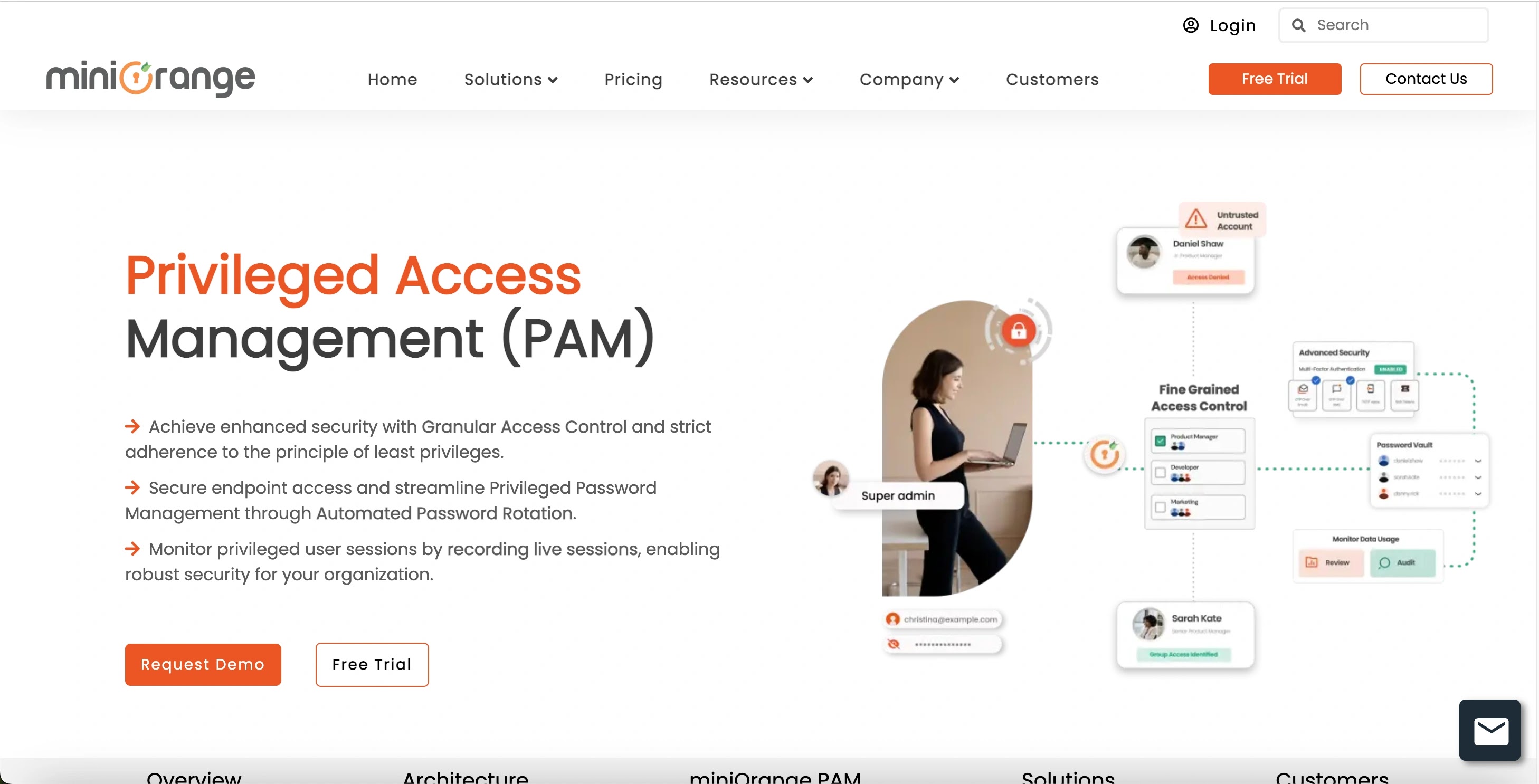
miniOrange offers a comprehensive PAM solution that focuses on providing granular access control and enforcing the principle of least privilege.
Its platform includes privileged credential management, just-in-time access, and real-time session monitoring, all designed to secure your infrastructure while providing frictionless access for users.
Reason to Buy:
miniOrange is a flexible and affordable option for businesses that need a modular and customizable PAM solution that can be tailored to their specific security and compliance requirements.
Features:
Password vaulting and rotation; Just-in-time access; Agentless PAM for streamlined deployment; Privileged session monitoring and recording; Centralized access control and auditing;
Pros:
Highly customizable and modular; Affordable pricing; Strong focus on least privilege; Quick and easy to deploy;
Cons:
Less brand recognition than market leaders; May lack some enterprise-level features; Support and documentation can be limited; UI is less modern;
Best For: Businesses of all sizes that are looking for a customizable, budget-friendly PAM solution with a focus on core functionality.
Official Website: miniOrange PAM Solution
8. BeyondTrust PAM
Specifications:
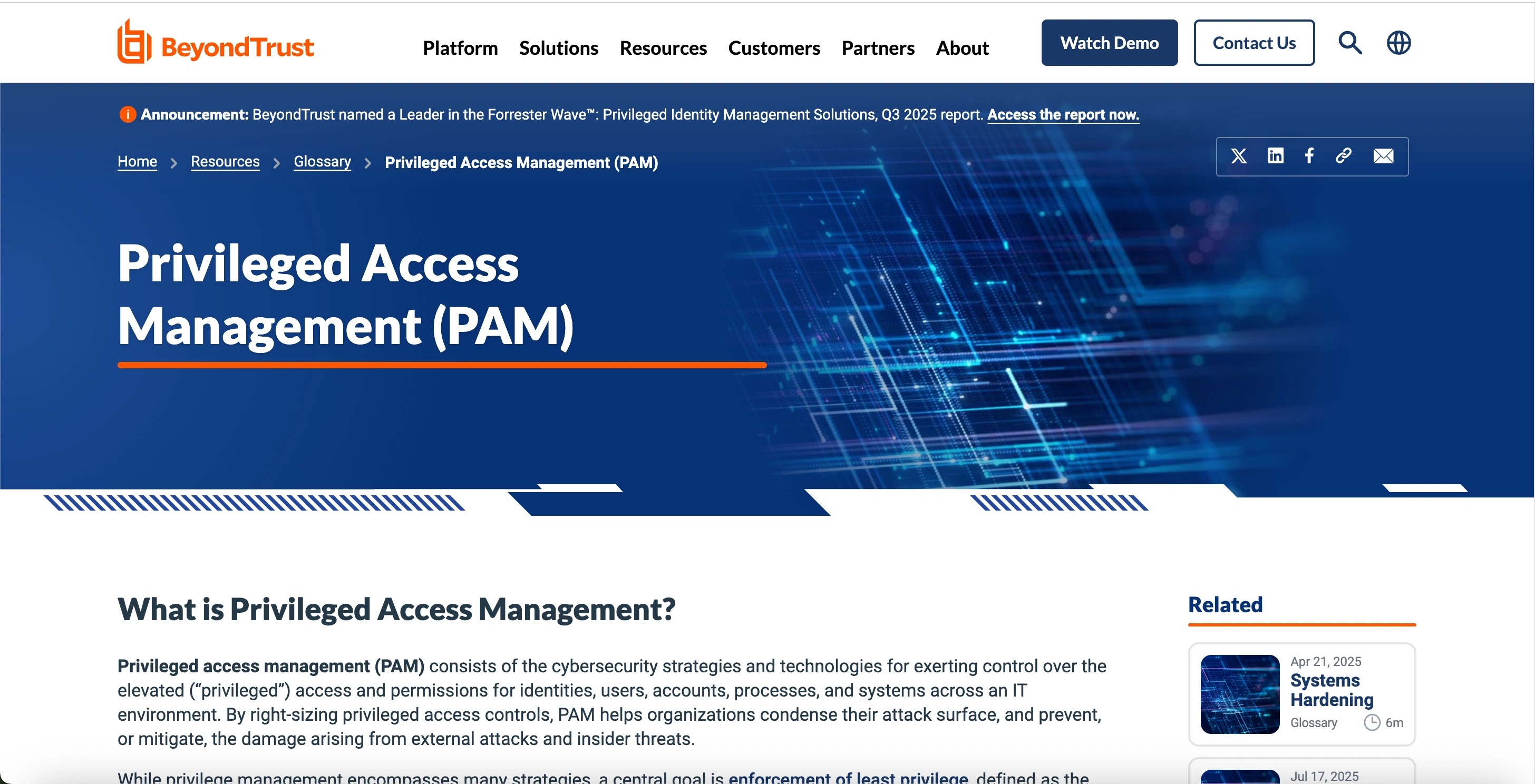
BeyondTrust provides an integrated Privileged Access Management platform that secures all privileged identities, sessions, and endpoints.
Its Universal Privilege Management approach is designed to provide visibility and control over all privileged access, protecting against both internal and external threats while ensuring compliance with regulatory mandates.
Reason to Buy:
A powerful and well-established PAM provider, BeyondTrust is a solid choice for organizations that need a mature, enterprise-grade solution for securing both on-premises and cloud access.
Features:
Secure password vaulting and rotation; Endpoint privilege management; Privileged session management and monitoring; Secure remote access for vendors and employees; Cloud infrastructure entitlement management;
Pros:
Highly rated for its comprehensive features; Strong reporting and analytics; Excellent support for remote access; Robust endpoint privilege management;
Cons:
Can be expensive and complex to implement; Initial setup may take a long time; Support can be inconsistent for some users; UI is less modern than some competitors;
Best For: Large enterprises and government agencies that need a mature, enterprise-grade PAM solution to secure a wide range of on-premises and cloud assets.
Official Website: BeyondTrust PAM
9. ManageEngine PAM360
Specifications:
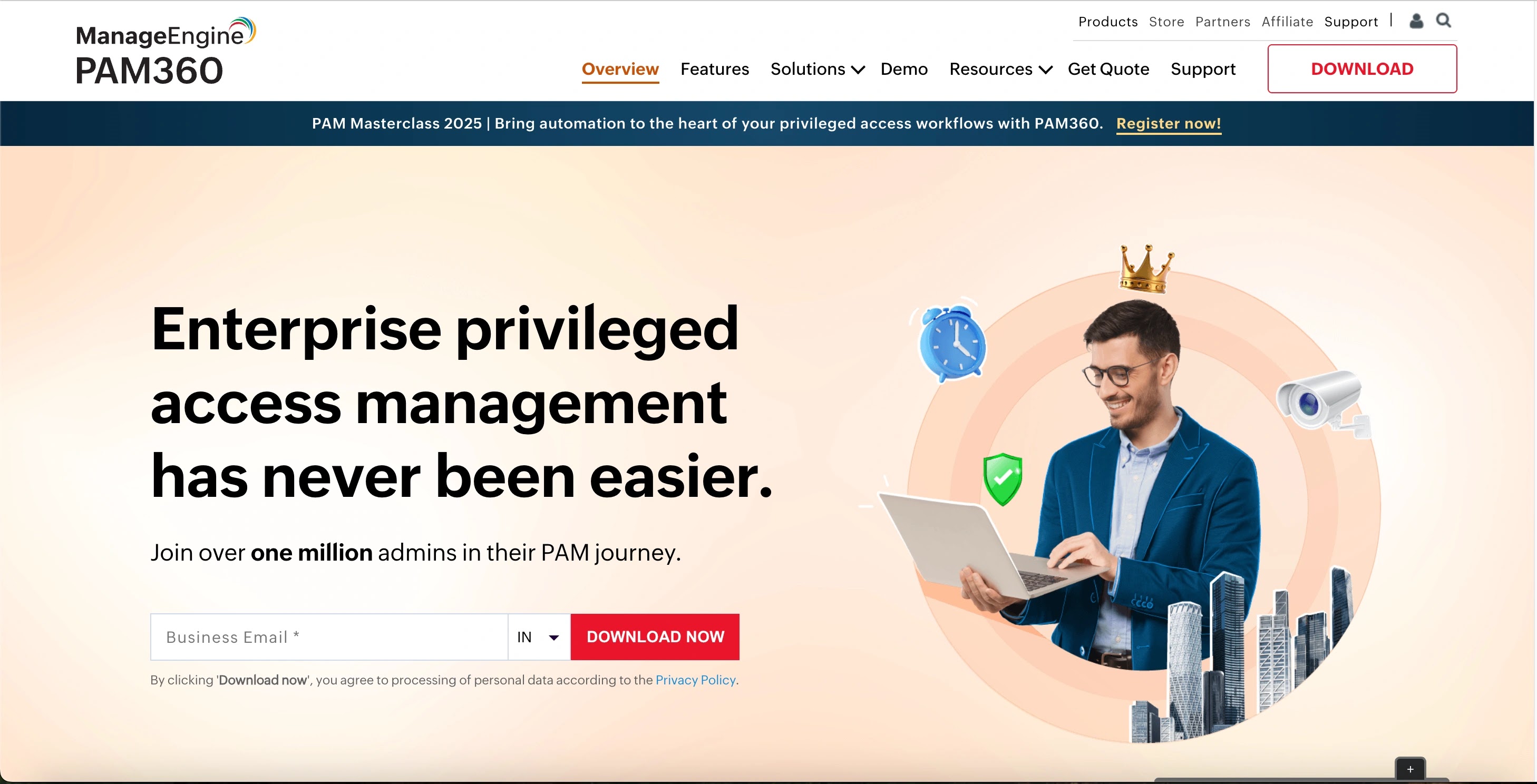
ManageEngine PAM360 is a holistic Privileged Access Management solution that offers a unified platform for managing, controlling, and auditing the entire lifecycle of privileged accounts.
It integrates privileged account management, privileged session management, and privileged remote access, all within a single interface, making it a comprehensive choice for IT teams.
Reason to Buy:
PAM360 is a cost-effective and integrated solution, making it an excellent choice for organizations that need a full-featured PAM tool without the premium price tag.
Features:
Centralized privileged credential vaulting; Session recording and live monitoring; Just-in-time access with ticket ID validation; Remote access management; Threat analytics and behavioral analysis;
Pros:
Comprehensive and all-in-one platform; User-friendly interface; Affordable pricing for features offered; Strong reporting and audit capabilities;
Cons:
Mobile app functionality can be limited; Some advanced features require more configuration; Support quality can be inconsistent; Scalability may be an issue for very large enterprises;
Best For: Organizations looking for a unified, all-in-one PAM solution with a focus on ease of use and affordability, particularly for managing a hybrid environment.
Official Website: ManageEngine PAM360
10. Mamori.io
Specifications:
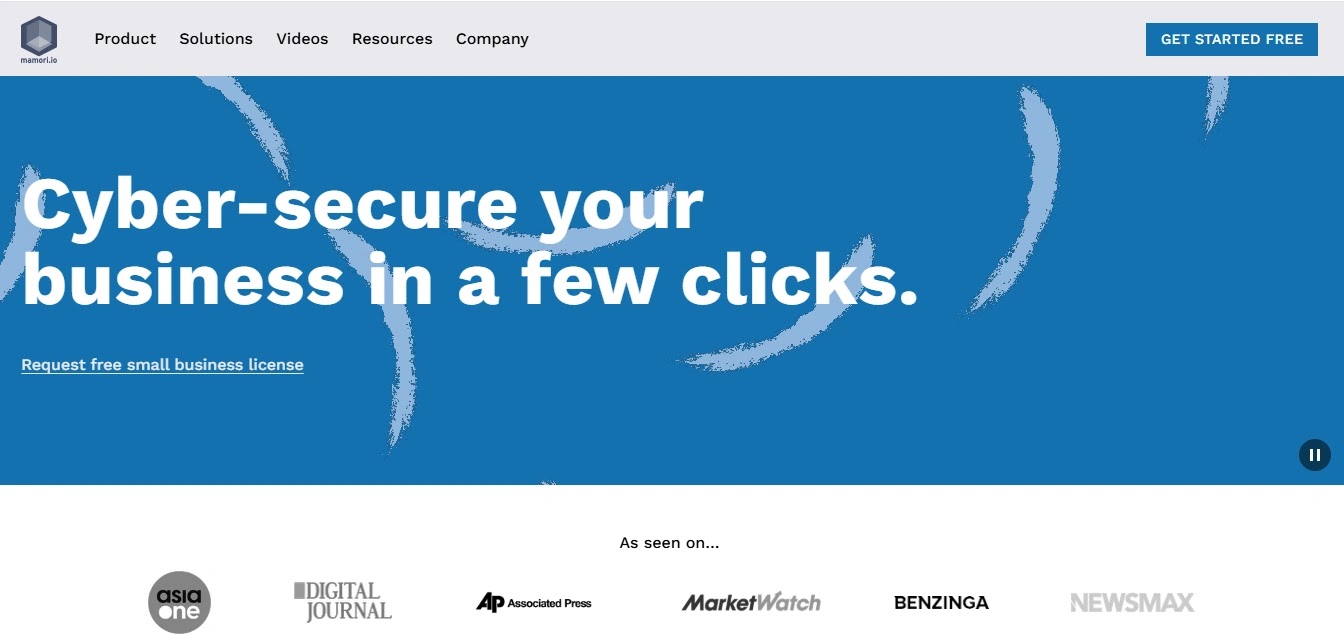
Mamori.io offers a PAM solution that extends privileged access into the database layer through its DBPAM approach, pairing zero trust access with built-in database activity monitoring (DAM) and compliance controls.
It can be deployed alongside an organization’s existing PAM tool, or used alongside with Mamori’s PAM solution.
Reason to Buy:
Organizations that already run PAM for server and SSH/RDP access, but lack accountability once a session reaches the database, will find Mamori closes that gap.
Features:
DBPAM with row, column, and table-level access control; Zero trust architecture with no standing privileged access; Real-time session and query logging; Dynamic data masking and SQL/NoSQL firewall; Audit reporting for ISO 27001, GDPR, HIPAA, and PCI.
Pros:
Only tool here reaching the database layer. Deploys alongside existing PAM, no rip-and-replace. No database changes required. Free tier for small businesses.
Cons:
Self-hosted only, no SaaS option. Smaller footprint than incumbents. Pricing not publicly disclosed.
✅ Best For: Teams with existing server-level PAM needing database accountability, and SMBs wanting PAM, DBPAM, and DAM in one deployment.
Official Website: Mamori M4PAM
Conclusion
The 2026 PAM market pulses with unprecedented dynamism and competition, spanning comprehensive enterprise suites to lightweight, cloud-native solutions tailored for modern environments.
Selecting your PAM solution demands alignment with organizational priorities whether a fortified, all-encompassing platform for large-scale enterprises or an agile, developer-centric tool for cloud-first operations.
Committing to the optimal PAM strategy fortifies digital assets and builds enduring cybersecurity resilience.
Discover deeper strategies in our Privileged Access Management (PAM) Best Practices guide and elevate access controls further with The Importance of Multi-Factor Authentication.